

Sharing a 360 virtual tour on Domain can elevate your property listings and attract more buyers. This guide shows you how to use Virtual Tours Creator to share your tours quickly and effectively.

Sharing a 360 virtual tour on Domain can elevate your property listings and attract more buyers. This guide shows you how to use Virtual Tours Creator to share your tours quickly and effectively.
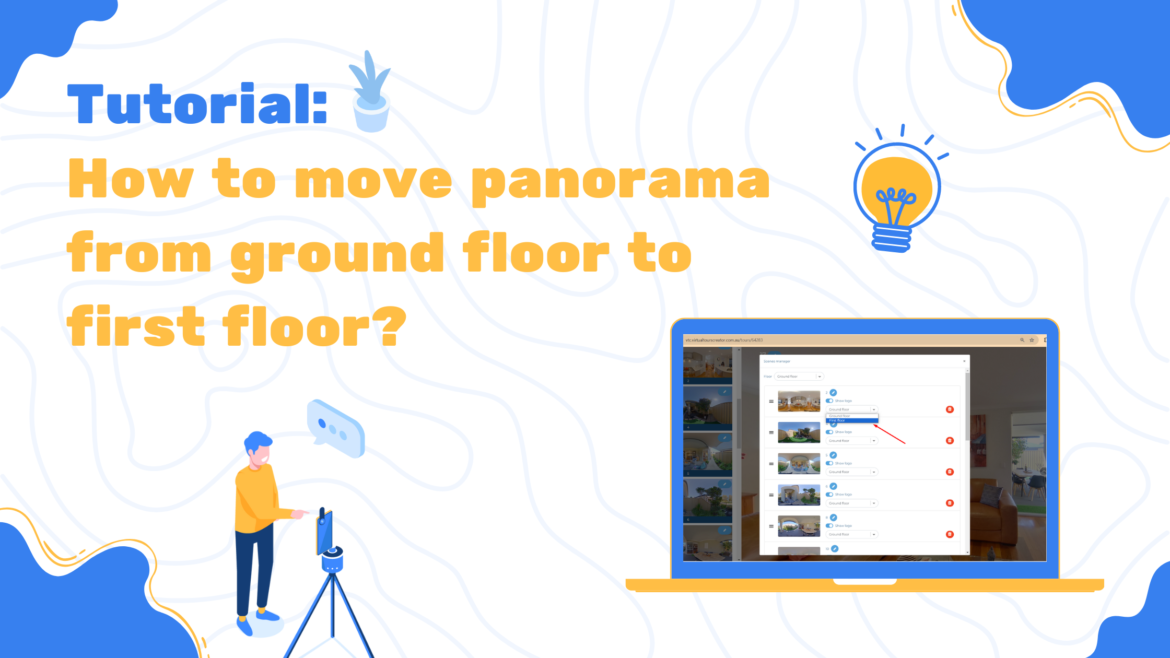
Discover how to easily move a 360 panorama from the ground floor to the first floor in your virtual tour. Our step-by-step guide simplifies the process to enhance your tour’s layout. How to Move 360 Panorama from Ground Floor to First Floor

How to Rename Your 360 Virtual Tour
Want to create 360 tours without needing Wi-Fi? With the Virtual Tours Creator App, you can easily shoot property tours offline and upload them when you’re back online. Discover how in this simple guide.
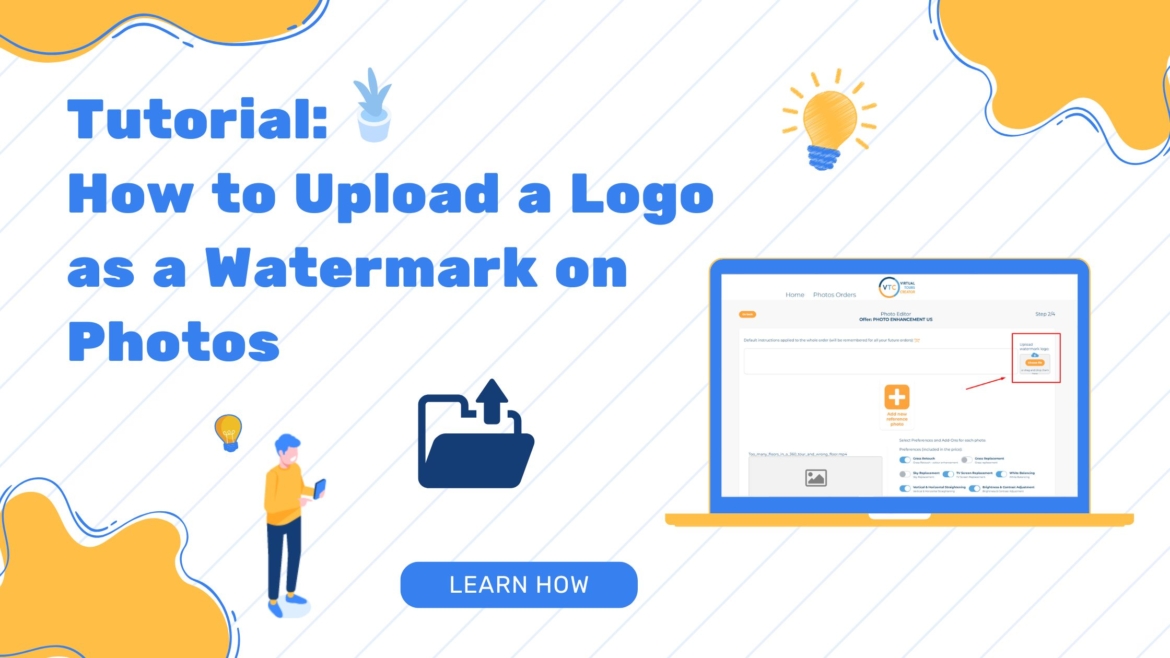
Protect your photos and promote your brand with our easy guide on uploading a logo for watermark. Follow these simple steps to get started today!
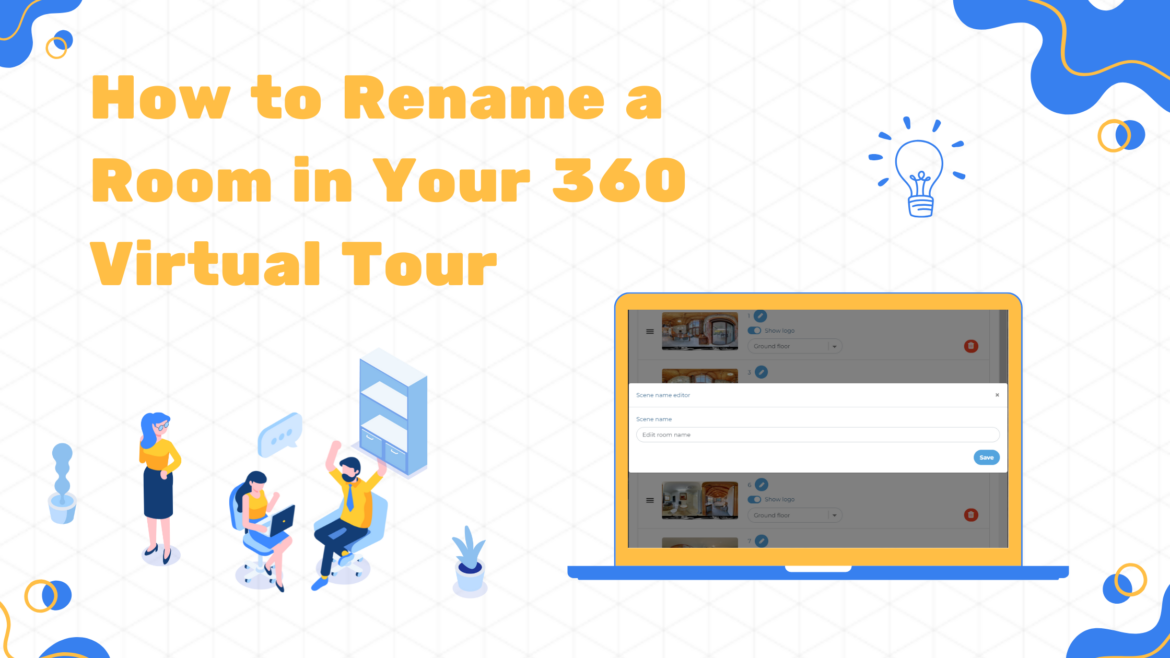
Naming rooms correctly in a 360 virtual tour is essential for easy navigation and a professional look. This guide walks you through the simple process of renaming rooms using Virtual Tours Creator, ensuring your tour is user-friendly and well-organized.
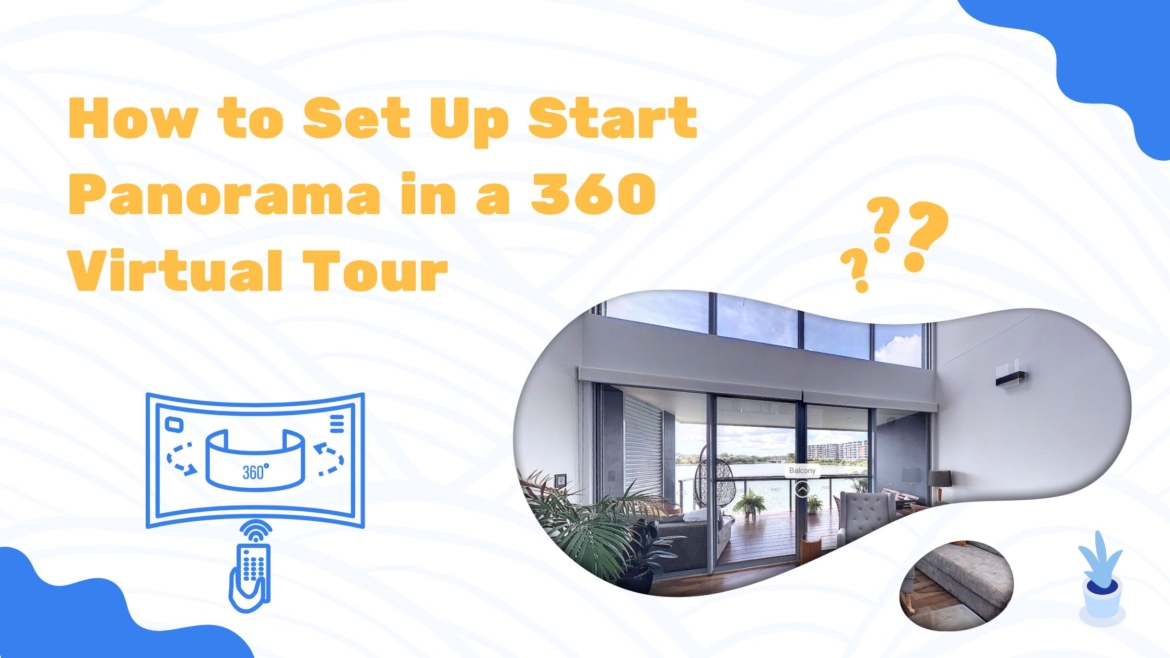
Discover how to Set Up Start Panorama in a 360 Virtual Tour with our easy guide. Follow these steps to choose the perfect photo and apply it as your tour’s starting point.

Are you struggling with lengthy leasing times and unreliable tenants? The New Way to Attract Quality Tenants Quickly. How Virtual Property Tours are changing the game in property leasing, based on an exclusive interview with industry expert, Jo Natoli.
Struggling with the connection issue with your 360 camera in the VTC app? Learn how to switch from 150 to 360 degrees with our comprehensive guide.
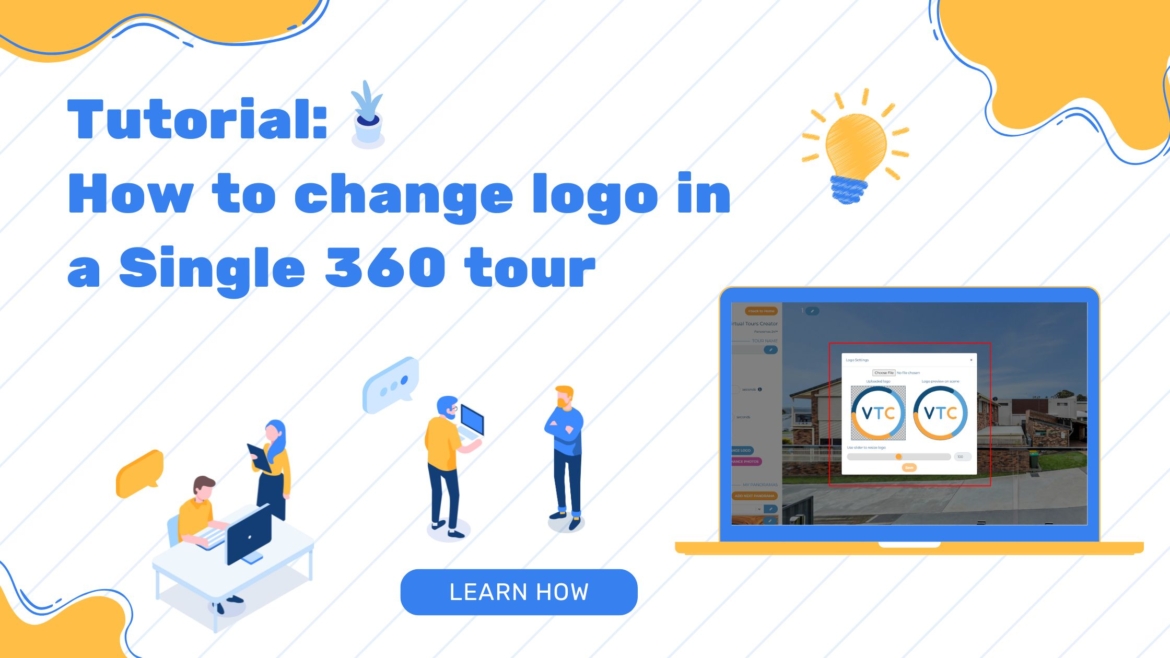
Learn how to update a logo in a virtual tour with this comprehensive guide. Switch logos effortlessly using JPG or PNG files (under 1MB) and enjoy enhanced customization with background options.